Make your phone useful before you need it
Staying Connected in Santo Domingo: SIMs, eSIMs, Wi-Fi and Pickups
Prepare mobile data, WhatsApp and offline meeting details for Santo Domingo, from SDQ arrival to hotel pickups, city journeys and day trips.
Compare roaming, a local SIM and a travel eSIM
Home-plan roaming can keep your existing service, but check Dominican Republic coverage, charging triggers and allowances with your carrier. A local physical SIM needs a suitable slot and compatible, unlocked device; an eSIM uses a supported digital profile instead. Local operators such as Claro publish eSIM information, but that alone does not confirm a tourist’s eligibility or a particular prepaid offer. Compare the current total price, data allowance, validity, activation method and support. Ask about identification requirements, top-ups, hotspot use and speed limits. A data-only package does not provide ordinary mobile calls or SMS unless the product separately includes them.
Check the phone and activation before paying
Confirm the exact model, region version, network lock and supported SIM combinations with the device maker and provider. Supporting eSIM is not the same as accepting every carrier or plan. Installation and the start of a package’s validity may be different events: check the actual instructions before scanning or activating. Keep the voucher and support details accessible and use a reliable connection for setup when required. On a dual-SIM phone, identify the intended data line and follow the provider’s roaming instructions for that line. Some travel profiles require data roaming; switching every line on can expose your home plan to charges. Avoid guessing from another phone’s menu.
Prepare your SDQ arrival before the flight
Read the SDQ arrival guide, then save your accommodation’s full address, confirmed booking, meeting instructions and operator contact with country code. For the airport transfer service, confirm your actual airport, flight, route and what happens if you cannot send a message after landing. A purchase confirmation for mobile data is not proof the phone is already connected. Test what you can before departure and keep instructions available without logging into another service. Do not rely on an airport Wi-Fi network, open SIM counter or instant activation being available when you arrive.
Keep WhatsApp separate from the data plan
WhatsApp messages and calls use an internet connection, which may come from Wi-Fi or the selected data plan. Ordinary phone calls and SMS are separate services. Changing the source of internet access is not, by itself, a reason to change your WhatsApp account number. Check which number your driver or guide will actually contact and keep it consistent with the booking. If the app needs registration or verification again, access to that account’s number matters; a data-only travel profile does not supply verification SMS for your home number. Prepare account access before travel and do not share verification codes with a driver, seller or stranger.
Make pickup instructions more precise than a map pin
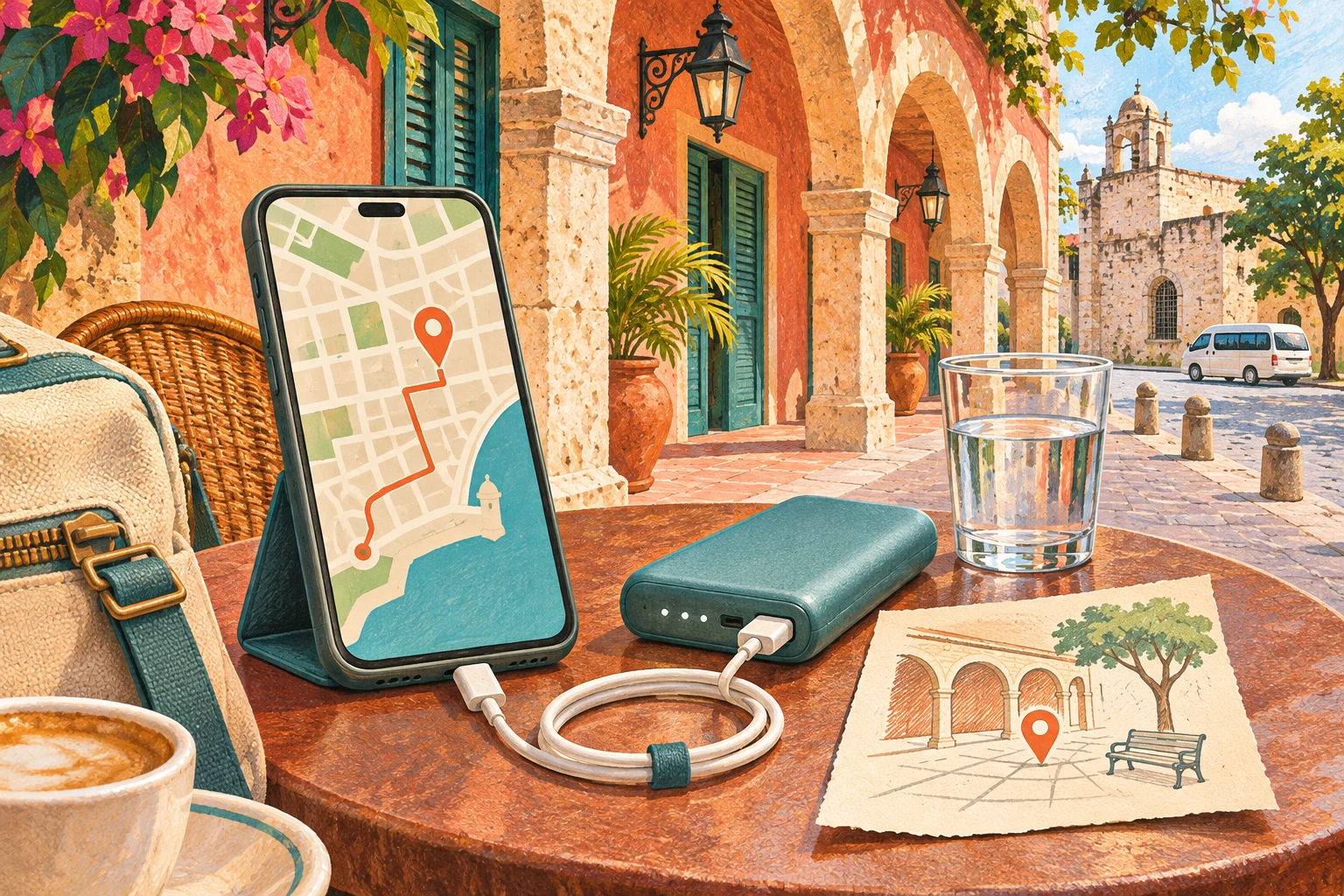
The getting-around guide explains transport choices; communication still needs the correct entrance, meeting point and time. Save a screenshot or written landmark and the confirmed contact before leaving your accommodation. A saved map can help with orientation, but live location sharing and new messages need connectivity; the ability to see your position does not mean a message has been delivered. Confirm a change rather than assuming the driver saw a moved pin. For a group, use the group travel guide to nominate one contact and circulate the final instructions to everyone.
Plan for changing reception during excursions
A working connection in Santo Domingo does not guarantee service throughout the road journey or on a boat or island. The day-trip comparison helps you identify the different stages of the excursion; download the departure, boarding and return instructions before leaving. Ask how updates are handled and where the group meets if messages do not arrive. Do not use a coverage map as a promise of service at a particular beach, inside a building or offshore. If you plan to share data by hotspot, confirm the package permits it and remember that companions depend on the host phone’s battery and connection.
Keep a practical offline fallback
Use the packing guide for a charged phone, suitable cable and manageable backup power. Save the accommodation address, booking reference, agreed meeting point, pickup window and confirmed contact outside an app that requires a fresh login. Ask your accommodation or operator beforehand which alternative contact method is actually available; a normal phone call needs the appropriate service too. If a connection fails, follow the agreed meeting instructions rather than inventing a new pickup point. Wi-Fi may be useful, but check the correct network with the venue and do not treat public connectivity as guaranteed or private.
Questions about this itinerary
Will any phone accept a travel eSIM?
No. Check the exact model and region, eSIM support, network lock and provider compatibility before buying. An eSIM offer does not establish device eligibility.
Does a data-only plan include calls and SMS?
Not ordinary mobile calls or SMS unless explicitly supplied separately. Internet-based messaging and calls use data, but they do not turn the package into a normal phone service.
Can I keep my existing WhatsApp number?
Using a different internet connection does not itself require a number change. Keep the booking contact accurate and preserve access to the account number in case verification is needed.
Can I rely on Wi-Fi at SDQ?
Do not make it your only plan. Save meeting details before flying and agree what to do if you cannot contact the driver; network access and activation are not guaranteed.
Will I have reception on island excursions?
Do not assume continuous coverage. Save boarding and return details and confirm the meeting procedure before road or boat travel.
What if I miss a pickup message?
Use the agreed meeting point and fallback instructions, and contact the confirmed operator through an available method. Do not assume an unread message changed the booking or waiting arrangements.
Keep planning
Experiences for this itinerary
Plan the connection as well as the journey
Compare Santo Domingo experiences and confirm your address, contact number, meeting instructions and arrangements if you cannot get online.
Compare Santo Domingo experiences